

Web and iOS, one traffic model.
The web dashboard and the iOS app share the same area, tracked list, and watchlist model. Settings stay on that device. Focusing an aircraft pans the camera; it does not move the radar center.
October 2026
What changed
Area surveillance, persistent tracking, and a watchlist stay independent on web and iOS.
The map watches a place
A radar center and range stay fixed. Aircraft inside that radius are transient. Focusing a tracked aircraft pans the camera; it does not move the area query.
Tracking follows an aircraft
Track by callsign, registration, or ICAO hex — up to 20. The aircraft stays listed outside the area, on the ground, or LAST KNOWN after the feed goes quiet.
Focus, follow, then return
Focus pans to a tracked aircraft. Optional follow recenters the map on it until you pan. Return to surveillance area restores the previous place and range.
A watchlist beside tracking
Save identities without following them. They are not on the tracked list and do not drive follow until you track them.
Web app
Available now in the browser after you sign in.
- Map and north-up radar of the same radar center and range
- GPS, typed coordinates, or a saved place as the center
- Range presets 2–30 miles; radar steps up to 50 miles
- Altitude, speed, and ground-vehicle filters
- Tracked aircraft that remain outside that area
- Focus, optional follow, and return to surveillance area
- Watchlist separate from active tracking
- LIVE, GROUND, and LAST KNOWN with position age
- Emergency squawks 7700 / 7600 / 7500 and optional military highlight
- Agent pane for area and aircraft questions
iOS app
Map, Radar, Traffic, and Settings. The agent is an overlay on Map, Radar, and Traffic. These screenshots are from the implemented app.
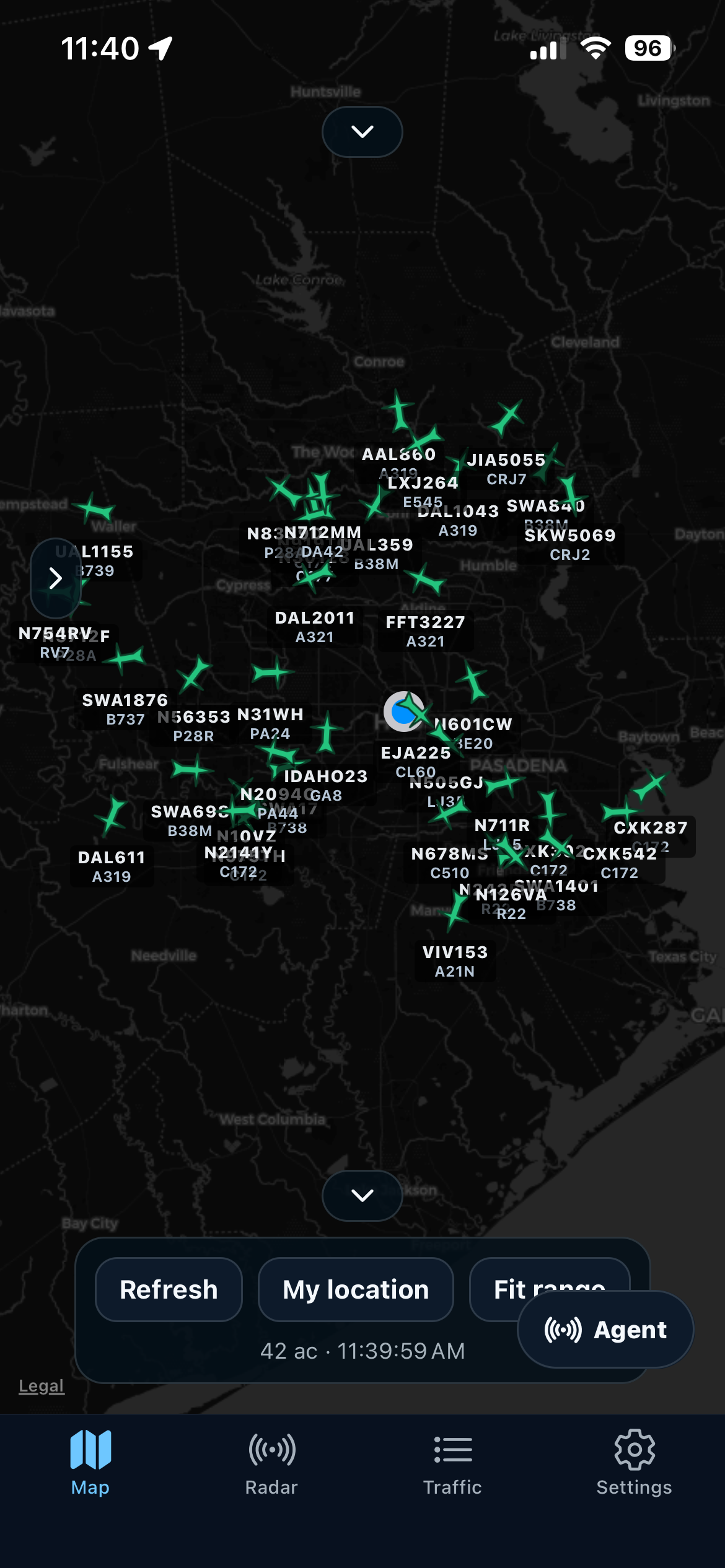
Full-screen map with radar center, range, and aircraft markers using the same settings model as the web app.
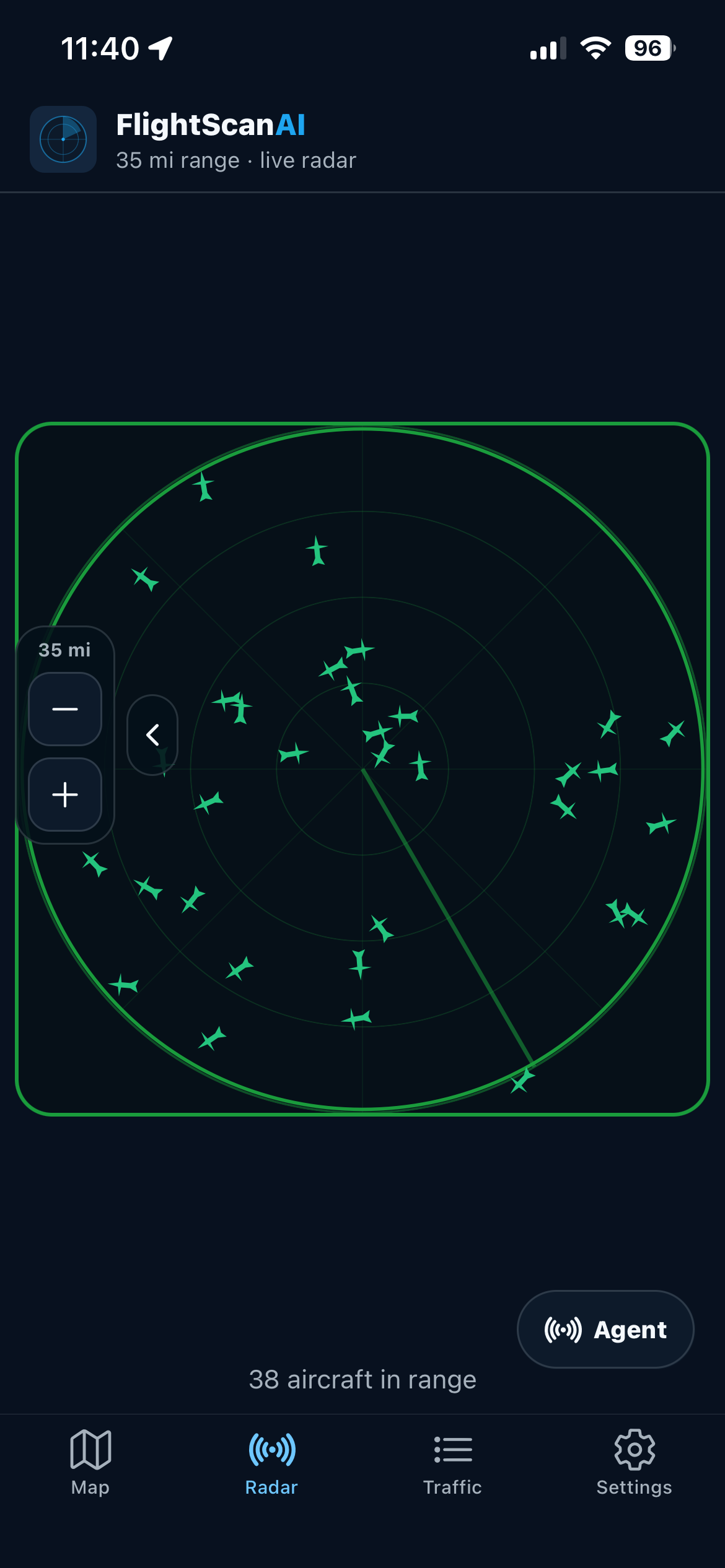
A north-up radar of the same center and range, with range rings and +/− to change miles, not map zoom.
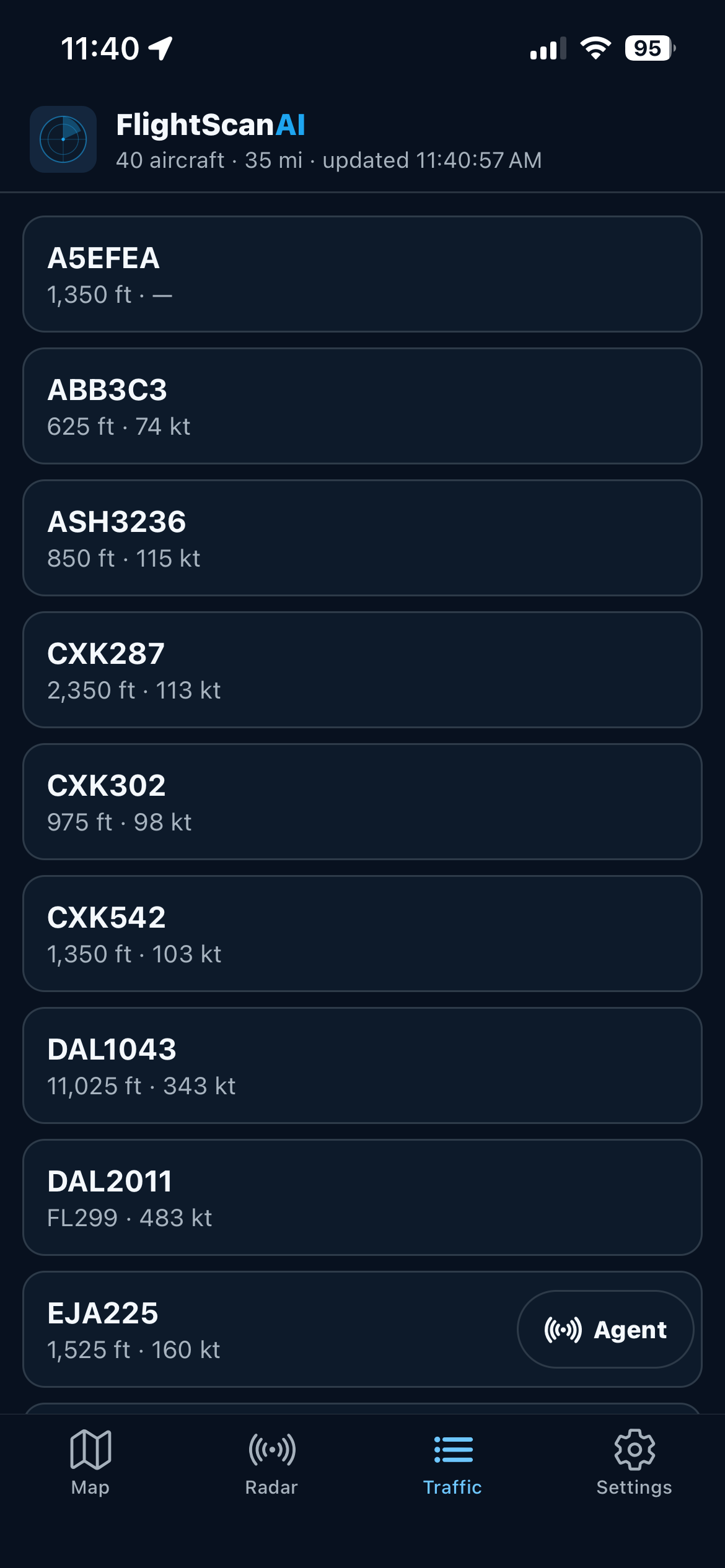
Scroll nearby aircraft and open the same style of detail sheet you get from the map.
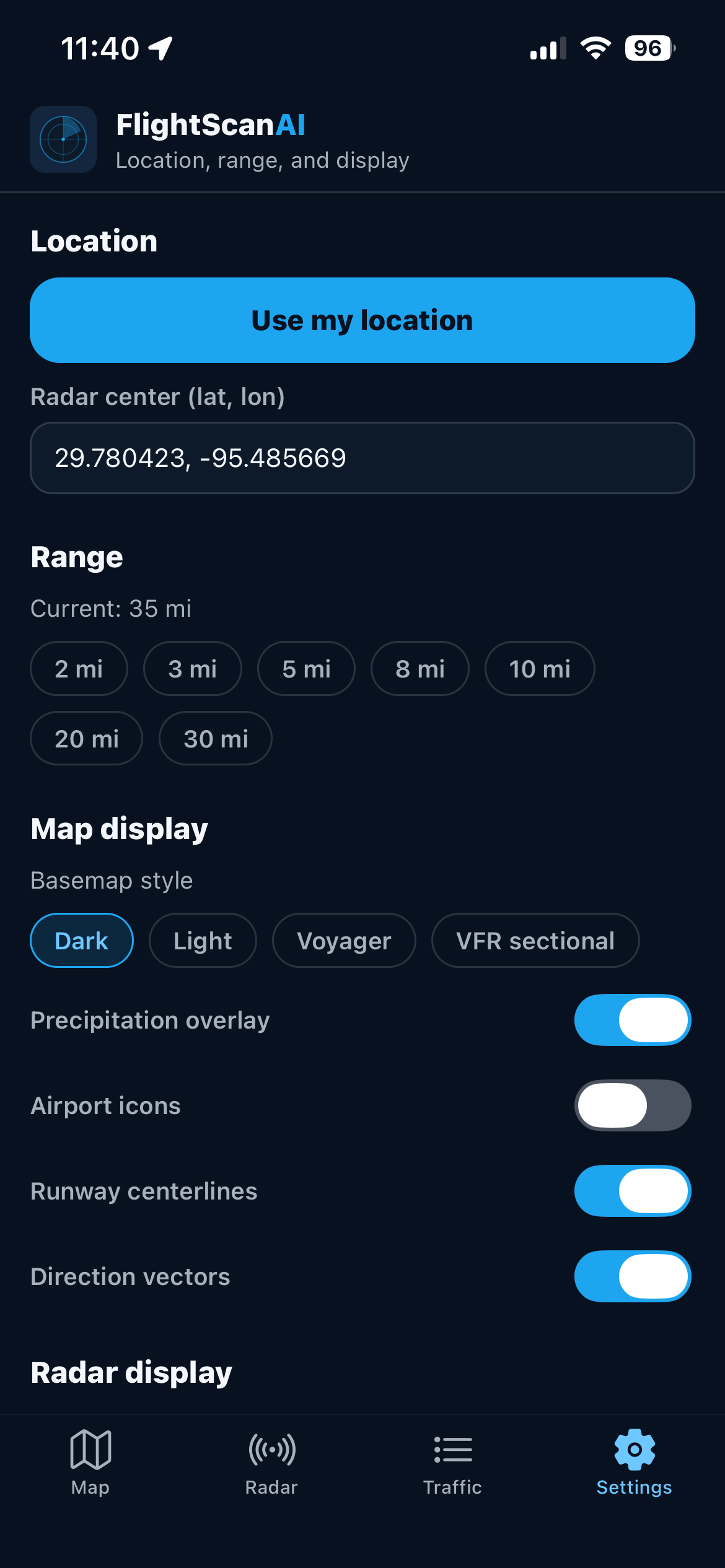
Radar center, range, overlays, alerts, tracked aircraft, watchlist, and sign-out. Stored on this device.
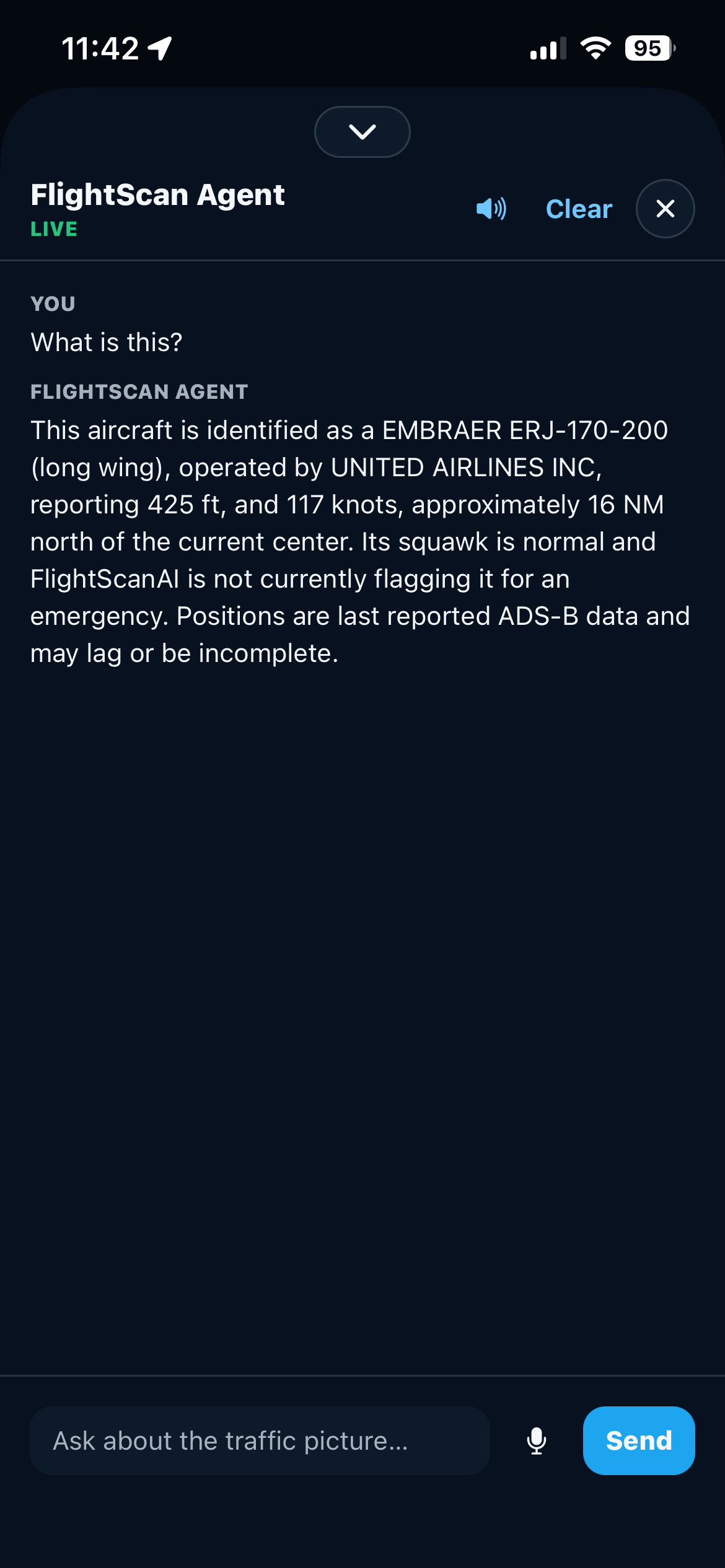
Ask about the area you are watching or a tracked aircraft. Overlay on Map, Radar, and Traffic — not a separate tab.
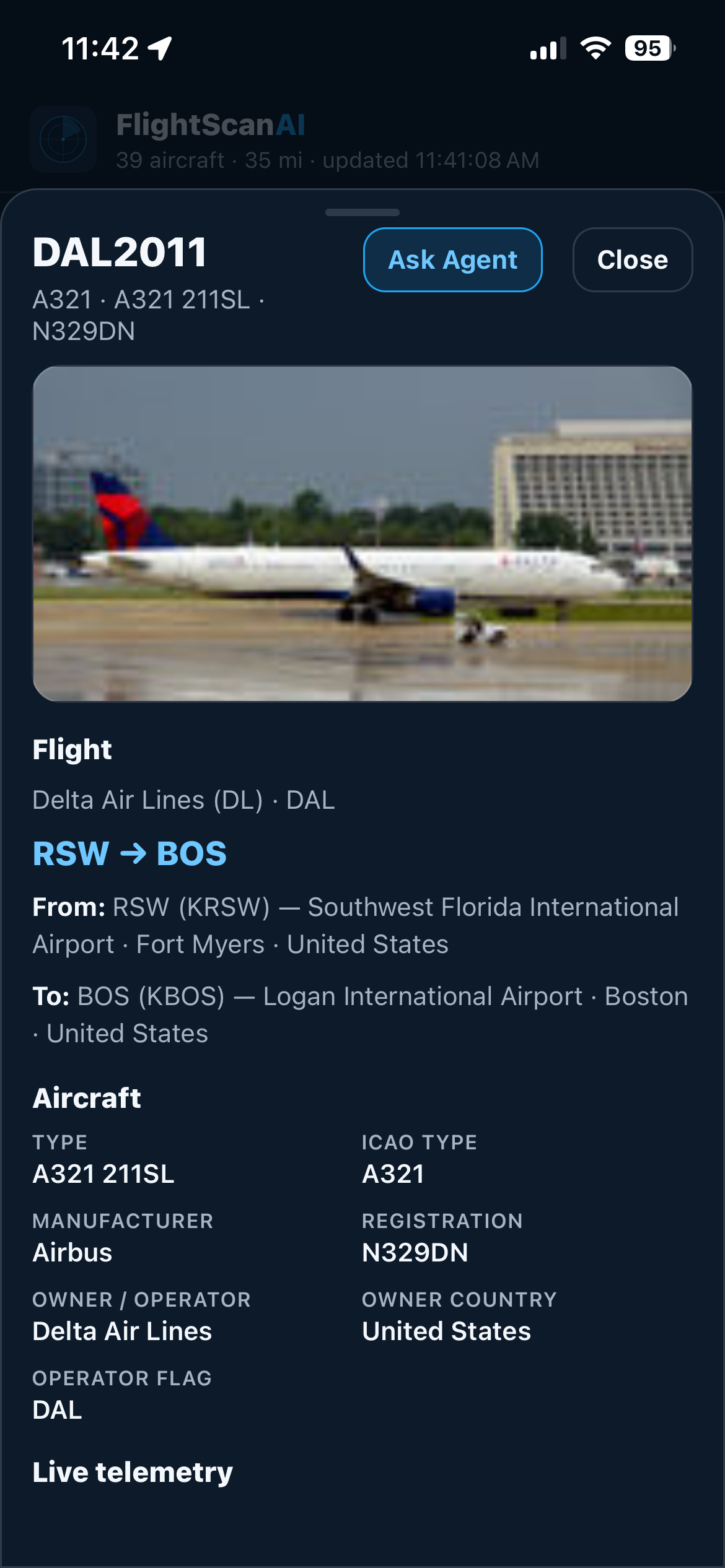
Identity, altitude, speed, type, and photo from the same record used on the web.